Dimsport – Flashpoint: Datei für den Portal-Upload erstellen und wieder in Flashpoint laden
Bebilderte Schritt-für-Schritt-Anleitung: Fahrzeugdatei auswählen und über die Schaltfläche DESCRIBE NEWGENIUS auf den New Genius laden, um sie für den Portal-Upload zu erstellen und wieder in Flashpoint zu laden.
[REVIEW: Im Originalartikel steht zu jedem Schritt derselbe Begleitsatz – vermutlich sind die eigentlichen Schrittbeschreibungen beim Export verloren gegangen. Die Bilder zeigen die einzelnen Schritte.]
Die Fahrzeugdatei auswählen, die geschrieben werden soll, und sie über die Schaltfläche DESCRIBE NEWGENIUS auf den NewGenius laden.
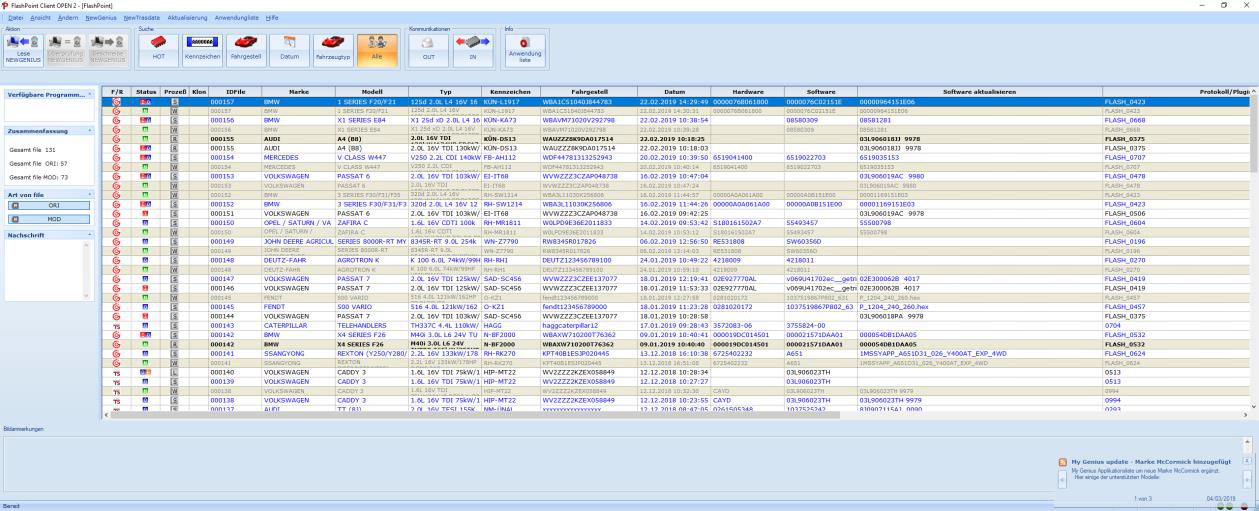
Die Fahrzeugdatei auswählen, die geschrieben werden soll, und sie über die Schaltfläche DESCRIBE NEWGENIUS auf den NewGenius laden.
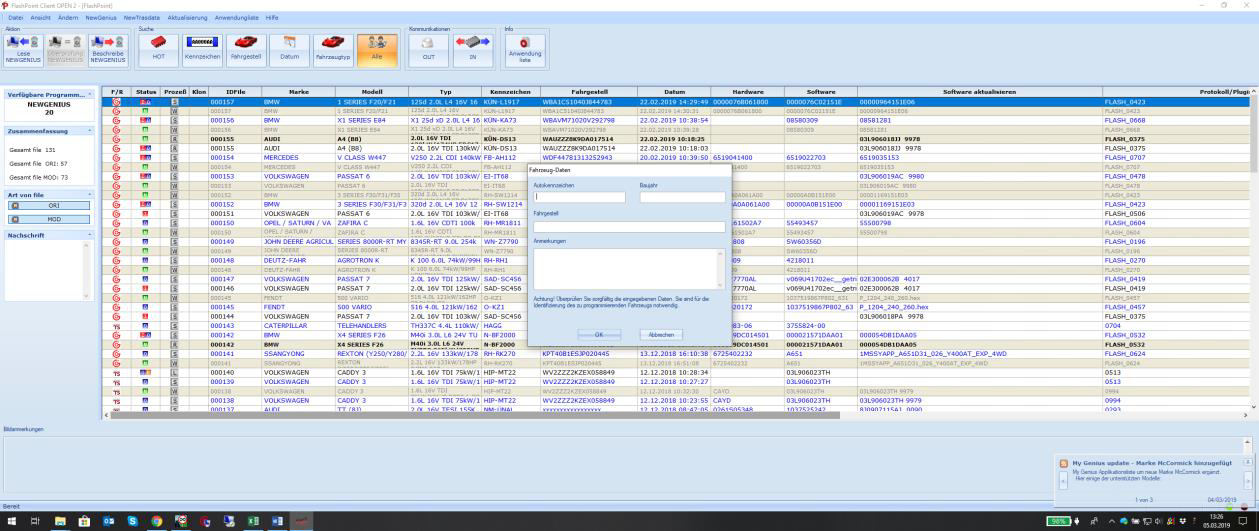
Die Fahrzeugdatei auswählen, die geschrieben werden soll, und sie über die Schaltfläche DESCRIBE NEWGENIUS auf den NewGenius laden.
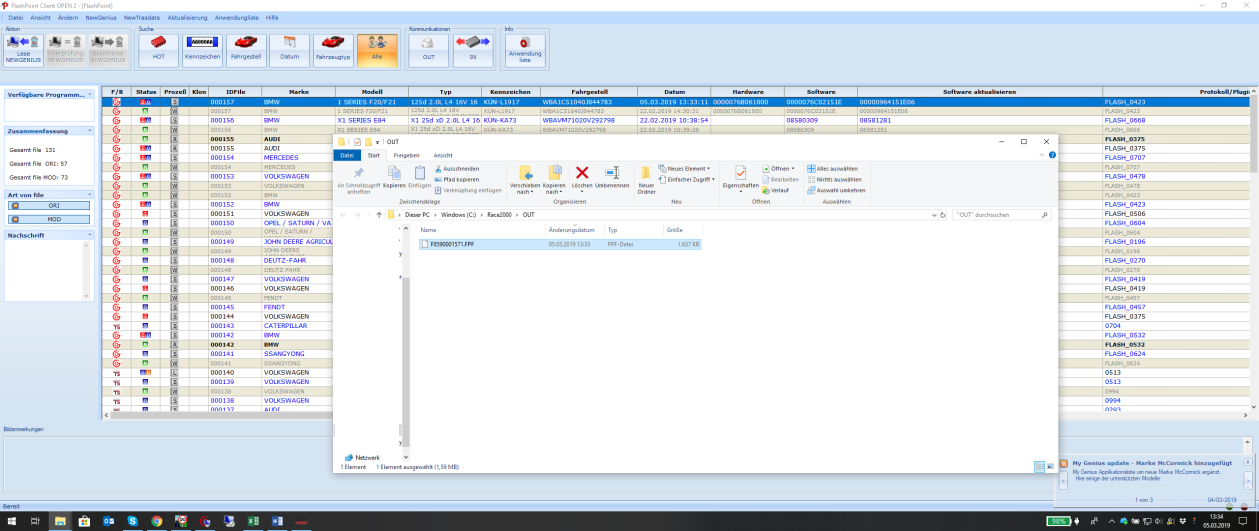
Die Fahrzeugdatei auswählen, die geschrieben werden soll, und sie über die Schaltfläche DESCRIBE NEWGENIUS auf den NewGenius laden.
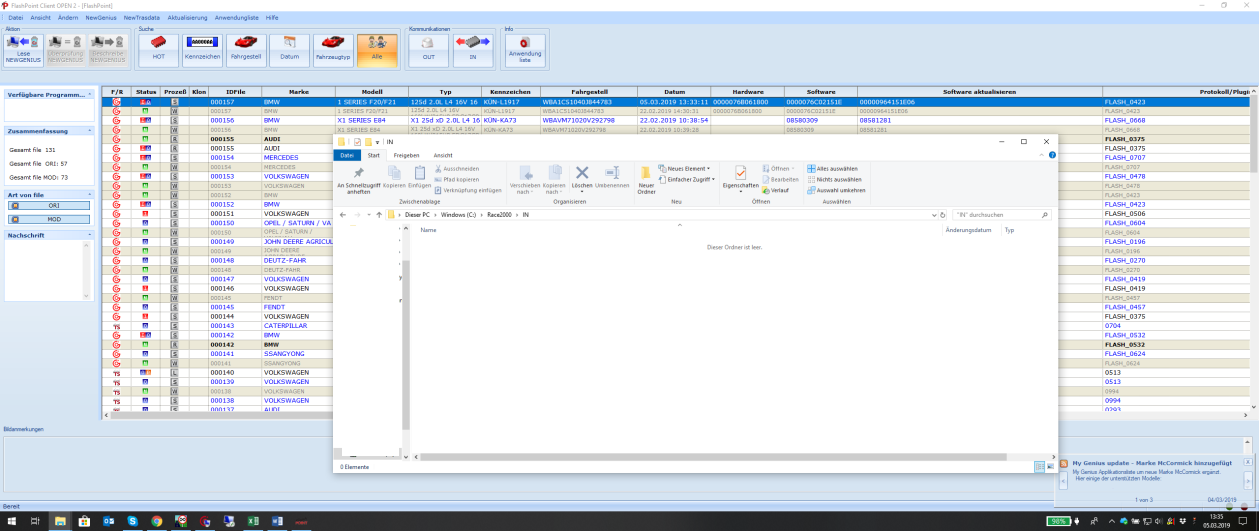
Die Fahrzeugdatei auswählen, die geschrieben werden soll, und sie über die Schaltfläche DESCRIBE NEWGENIUS auf den NewGenius laden.
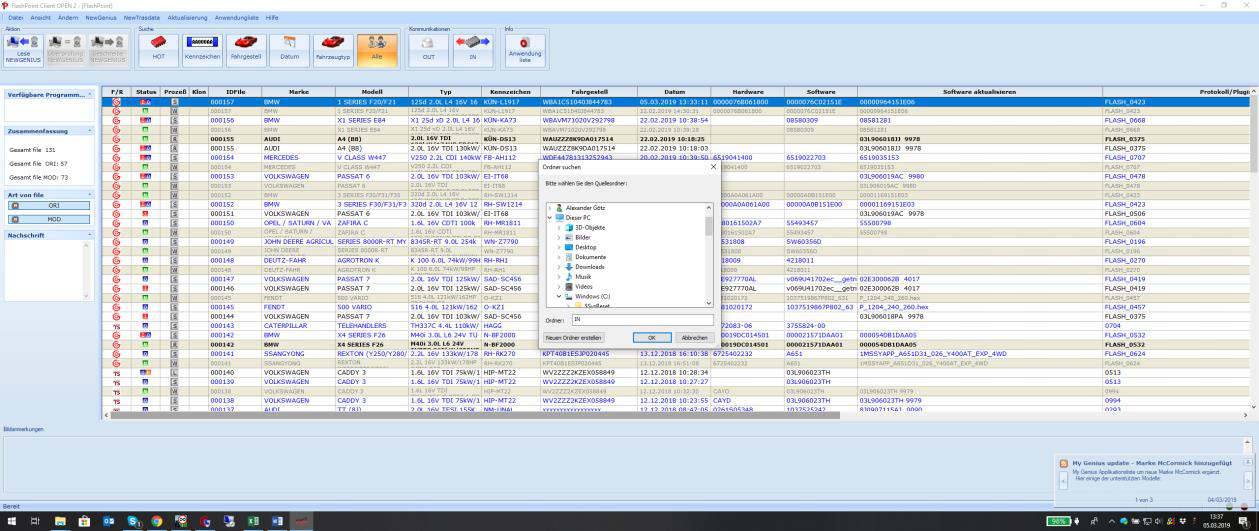
Die Fahrzeugdatei auswählen, die geschrieben werden soll, und sie über die Schaltfläche DESCRIBE NEWGENIUS auf den NewGenius laden.
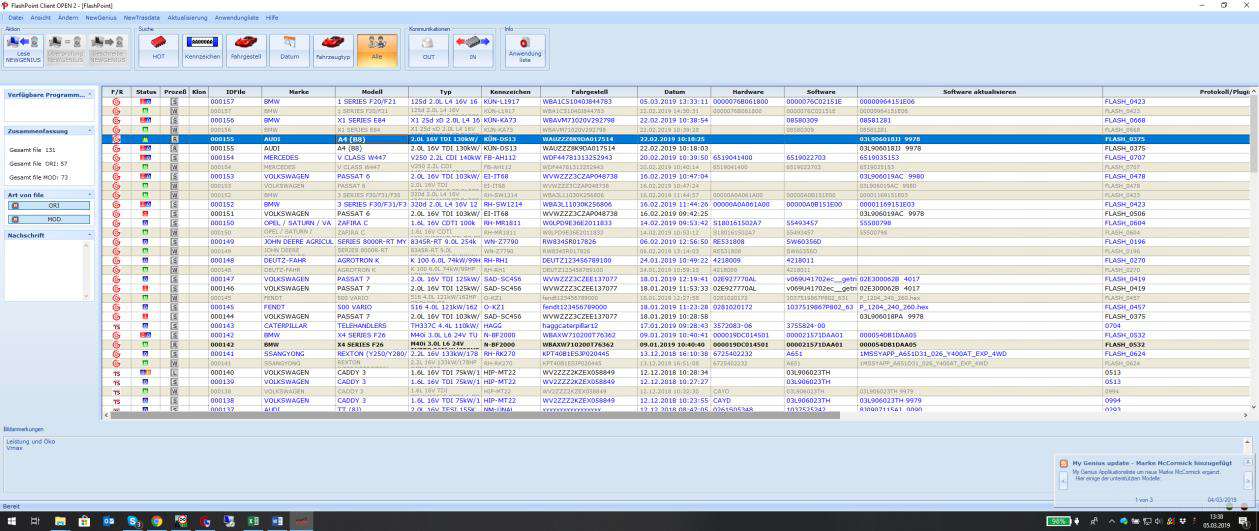
Die Fahrzeugdatei auswählen, die geschrieben werden soll, und sie über die Schaltfläche DESCRIBE NEWGENIUS auf den NewGenius laden.
Illustrated step-by-step guide: select the vehicle file and load it onto the New Genius using the DESCRIBE NEWGENIUS button, in order to create it for the portal upload and load it back into Flashpoint.
Select the vehicle file that is to be written and load it onto the NewGenius using the DESCRIBE NEWGENIUS button.
Select the vehicle file that is to be written and load it onto the NewGenius using the DESCRIBE NEWGENIUS button.
Select the vehicle file that is to be written and load it onto the NewGenius using the DESCRIBE NEWGENIUS button.
Select the vehicle file that is to be written and load it onto the NewGenius using the DESCRIBE NEWGENIUS button.
Select the vehicle file that is to be written and load it onto the NewGenius using the DESCRIBE NEWGENIUS button.
Select the vehicle file that is to be written and load it onto the NewGenius using the DESCRIBE NEWGENIUS button.
Select the vehicle file that is to be written and load it onto the NewGenius using the DESCRIBE NEWGENIUS button.